Display & screens
Every screen a meet actually needs.
Four public, no-login screens for the venue's TVs and a coach/athlete-facing device, plus two of them follow straight onto a spectator or coach's own phone — all live off the same clock and the same attempt, so nothing ever drifts out of sync with what's actually happening on the platform.
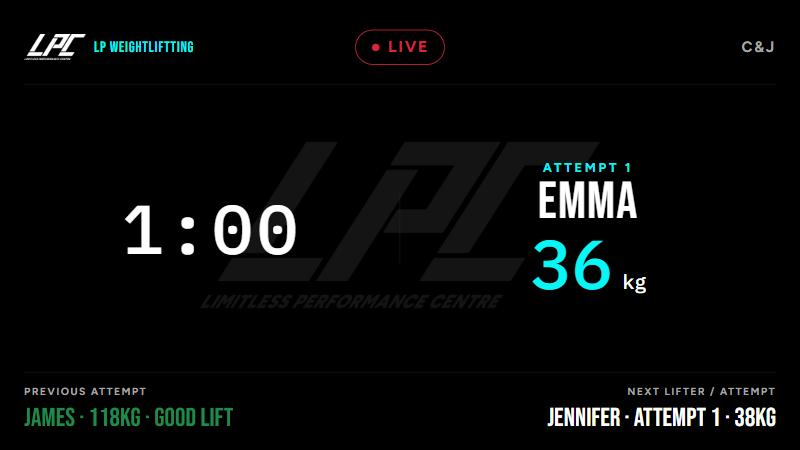
The venue's main TV — current lifter, weight, and clock, big enough to read from across the room. Falls back to Rackcall's own watermark until an org sets its own logo.
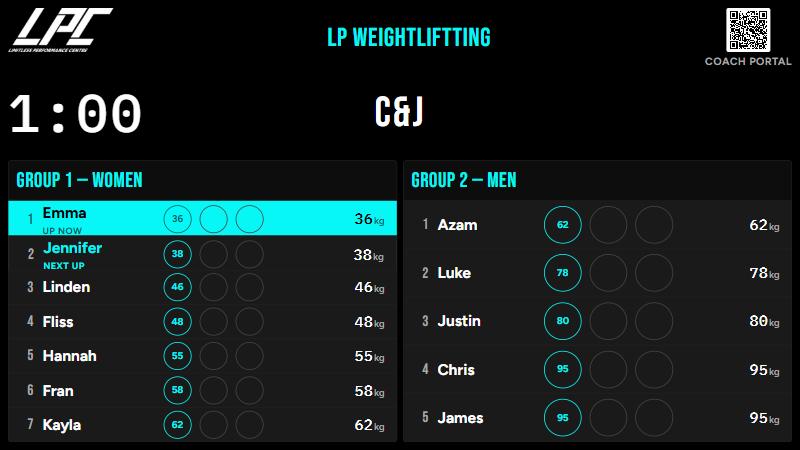
The queue for both groups at once, sized so up to ten lifters per group fill the screen — exactly what a coach standing at the rail needs to see who's up and who's next.
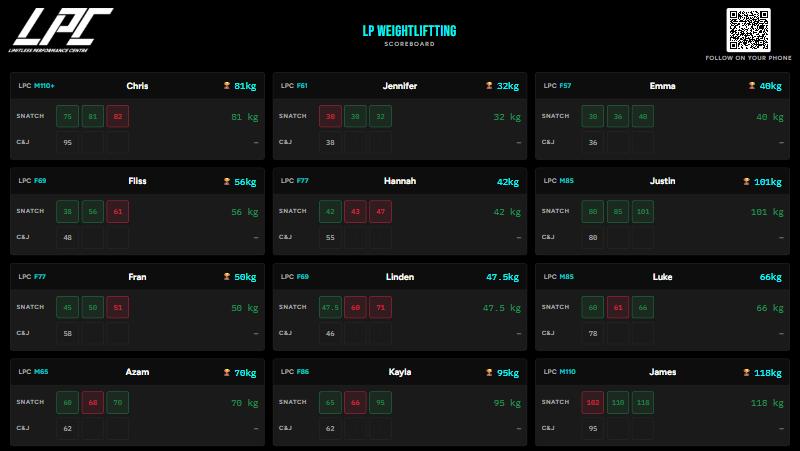
Every lifter's own card — attempts, result, and total — plus a QR code straight to the same board on a spectator's own phone.
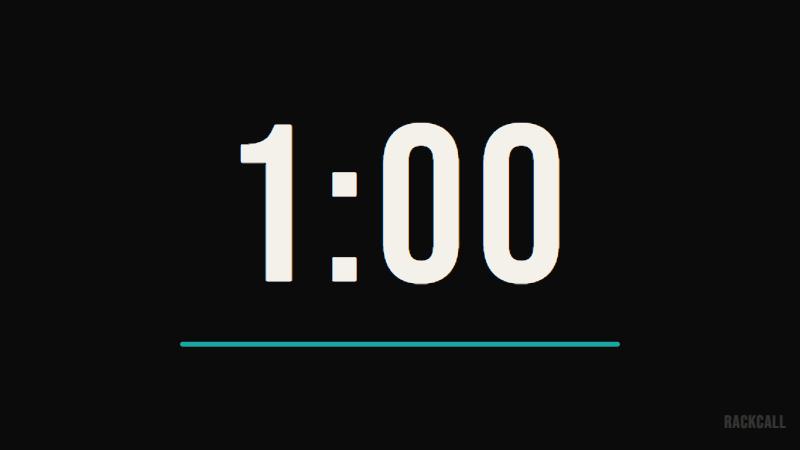
Built for a second monitor at the platform — nothing but the clock, at a size nobody has to squint at.
On a coach or spectator's own phone
No app, no login — the Coach portal and Scoreboard both work straight off a QR code scanned from the venue's own TV screens.

A coach picks their own name, sets a PIN once, and can raise their athlete's next attempt from the rail — never another coach's athlete by mistake.
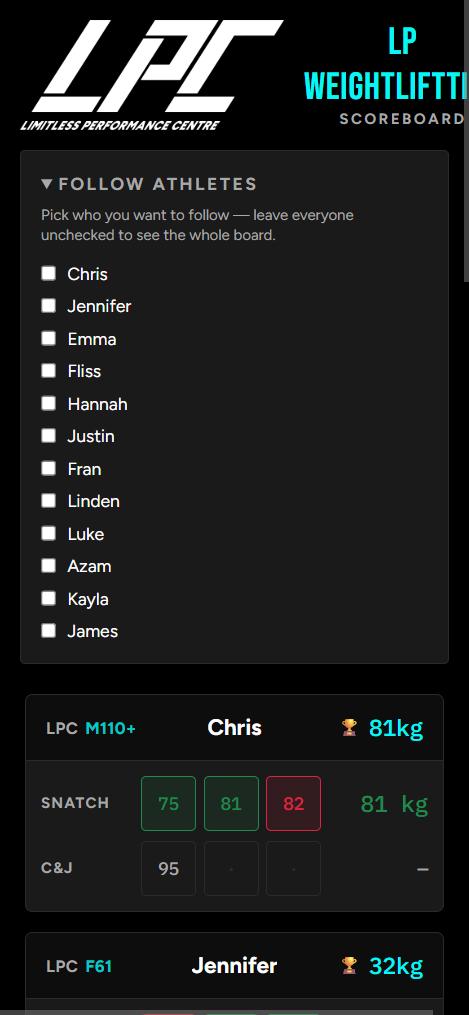
A parent or teammate ticks just the names they care about, and the board filters down to only those lifters — no scrolling through the whole field.